
Small-business fit in one table
| Need | MailerLite fit | Reason |
|---|---|---|
| Newsletter and promotions | Strong | Focused campaign workflow |
| Lead magnet and welcome | Strong | Forms, groups and automation |
| Customer education | Strong | Sequences and segmentation |
| Simple product or booking | Possible | Integrated tools with plan and payment conditions |
| Sales pipeline | Limited | Needs CRM depth |
| Support tickets and account cases | Poor | Not a service desk |
Start with one business outcome
Choose a result that email can influence, such as consultation requests, repeat visits, event registrations or product education. Define the audience and one primary action before creating forms or importing contacts.
A local service company and an ecommerce store should not share the same automation merely because both use MailerLite. The workflow follows the buying process.
A lean implementation
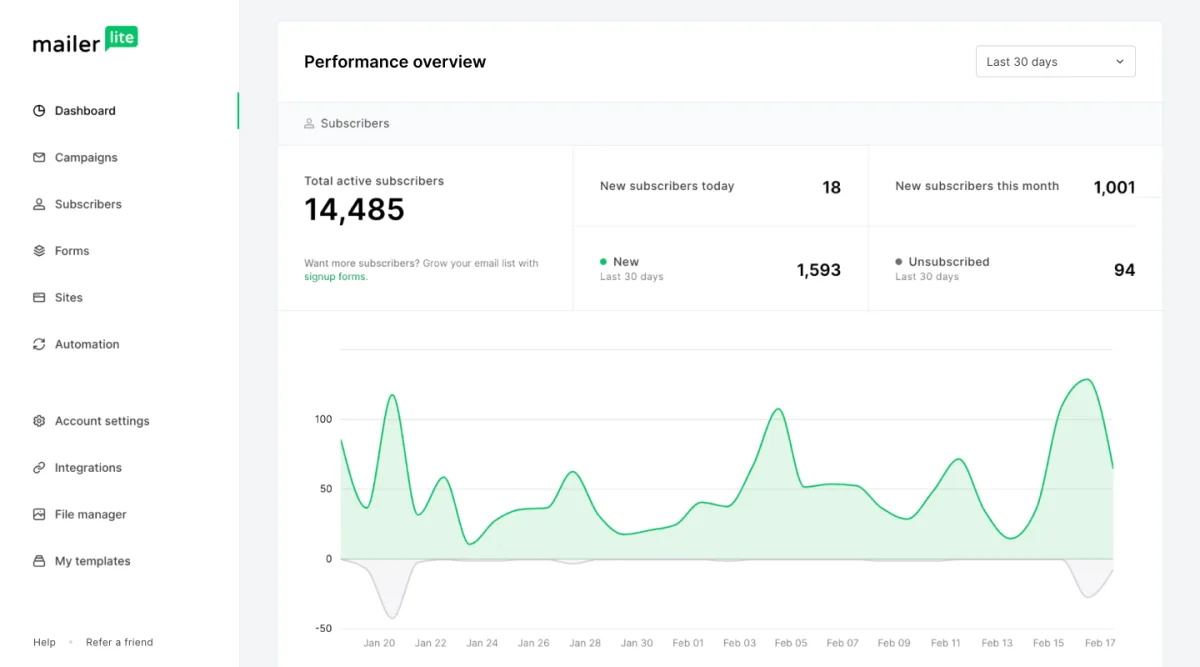
Add fields and segments only when they change the message. Complexity without ownership becomes a compliance and maintenance risk.
- One authenticated sending domain.
- One main newsletter group.
- One form with clear consent.
- One welcome or enquiry-nurture sequence.
- One reusable campaign structure.
- One named owner for content, replies and list hygiene.
Choose groups that reflect intent
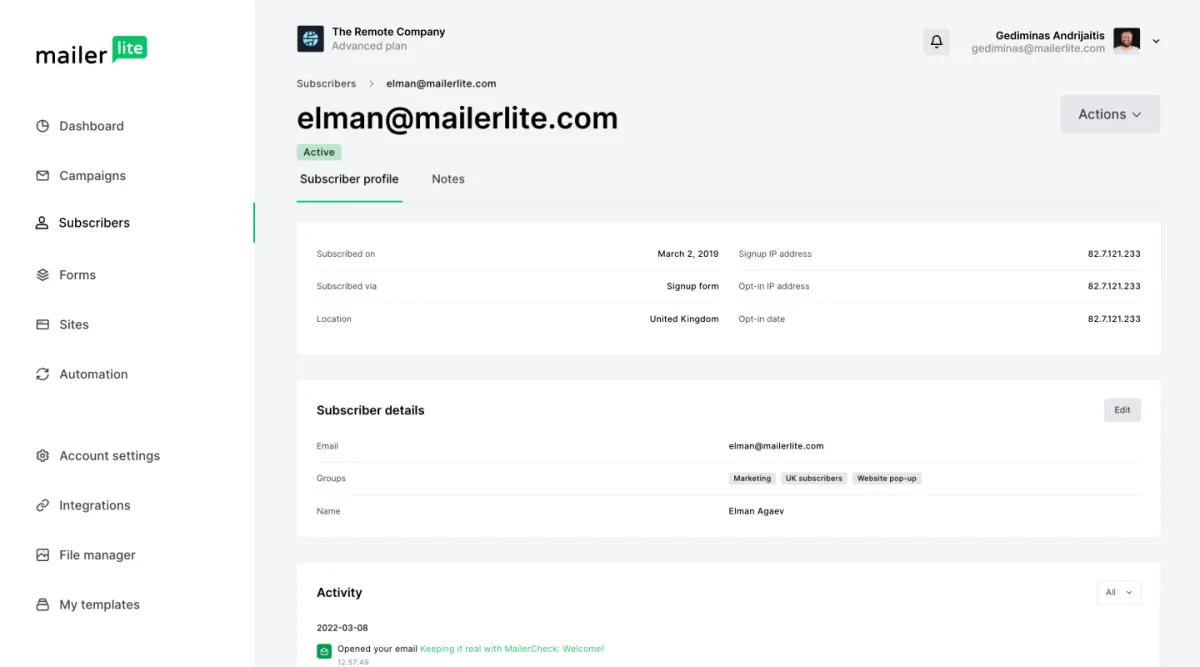
Useful groups might represent Newsletter Main, Requested Consultation Guide, Customer or Event Registration. Dynamic segments can then identify recent clickers, inactive subscribers or people matching a field rule.
Document what adds and removes a person from every important group. Never assume that a subscriber in one group has consented to every promotional purpose.
Controls the team should not skip
- Authenticate the domain and monitor DMARC according to the domain policy.
- Document source and consent for every import.
- Restrict user access to actual responsibilities.
- Test unsubscribe and suppression before each new integration.
- Create periodic exports with required fields and groups.
- Assign ownership for replies and privacy requests.
- Review inactive automations and forms quarterly.
Cost includes staff time and connected systems
Forecast subscribers, sends and plan capacity, then add copywriting, design, approvals, CRM, website, payment processing and integration maintenance. The subscription is only one part of the operating cost.
A plan that saves two hours on every campaign can justify a higher price. An included feature that nobody uses has no economic value.
Three business scenarios
| Business | MailerLite role | External system |
|---|---|---|
| Consultancy | Lead capture, education and booking prompts | CRM for opportunities when needed |
| Local venue | Event updates and repeat-visit campaigns | Booking or point-of-sale system |
| Small ecommerce store | Campaigns and purchase follow-up | Commerce platform as source of truth |
| B2B sales team | Newsletter and nurture | Dedicated CRM for pipeline and ownership |
Reporting that supports decisions
Track qualified clicks, replies, form completion, bookings, orders, unsubscribes and complaints. Use open rate as a directional signal rather than proof of attention.
Compare campaigns with the same purpose and audience. Record what action changed after each review; otherwise reporting becomes decoration.
When MailerLite is not enough
- Several salespeople need ownership and pipeline forecasting.
- Support teams need tickets, priorities and service history.
- Complex account relationships matter more than individual subscribers.
- Several messaging channels require central orchestration.
- Regulated data or governance requires enterprise controls outside the selected plan.
A 30-day rollout
- Week 1: define outcome, audience, consent and data model.
- Week 2: authenticate, build the form and welcome flow.
- Week 3: test with staff and a small consented audience.
- Week 4: send the first campaign, review outcomes and document the routine.
Final recommendation
Choose MailerLite when the email process can be described on one page and the team can operate it without fragile workarounds. Connect a CRM or specialist platform when another operational job needs deeper records.
The strongest small-business setup is not the most integrated one. It is the setup with clear ownership, documented consent and a workflow that continues when the usual operator is absent.