
MailerLite vs Mailchimp in one table
| Decision factor | MailerLite | Mailchimp |
|---|---|---|
| Best starting profile | New creator or small business | Established business using the ecosystem |
| Core advantage | Focused newsletter workflow | Breadth, integrations and existing market footprint |
| Pricing analysis | Active subscribers, sends and plan limits | Contacts, sends, seats and feature tier |
| Learning surface | Narrower and easier to map | Broader product with more configuration |
| Migration case | Strong when starting clean | Strong when history and integrations already live there |
Do not compare entry prices
The bill depends on which contacts count, how many emails are sent, which users need access and which feature tier contains the required automation or reporting. Free plans are evaluation environments, not reliable proxies for a mature account.
Model the same clean database at the present size, six months and twelve months. Include inactive-contact policy, taxes, support and connected tools. A comparison that ignores the required feature tier is not a cost comparison.
MailerLite favours a clean start
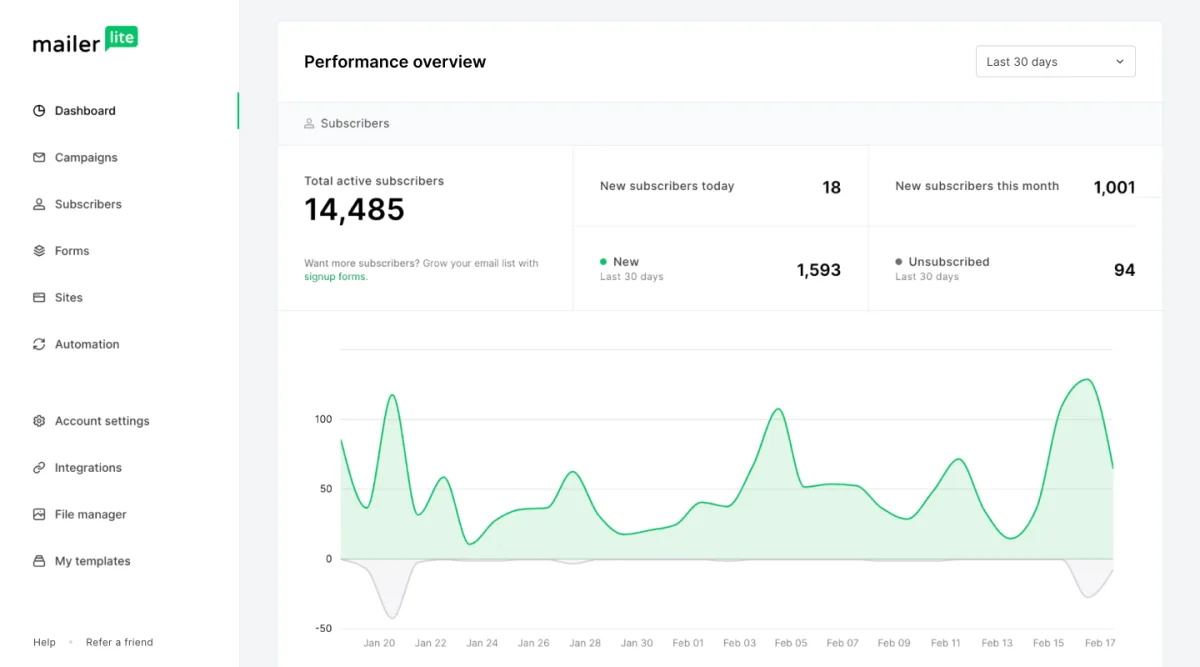
MailerLite keeps forms, groups, segments, campaigns and automations close to the weekly publishing workflow. A new operator can design a small system without first understanding a broad marketing suite.
That simplicity is valuable when the business has no legacy data or integrations. It is less decisive when the existing Mailchimp account already powers ecommerce, advertising audiences and several business processes.
Mailchimp can win through existing infrastructure
An established Mailchimp account contains more than contacts. It may hold campaign history, templates, forms, segments, behavioural data and integrations that staff already know how to operate.
Replacing that infrastructure has a cost. MailerLite should not be selected merely because its new-account price looks lower. The migration should simplify operations or create measurable savings after rebuilding and training.
Compare the same five workflows
Record the plan required for each workflow. Compare how exclusions, duplicate contacts and unsubscribed people are handled. These details affect both compliance and cost.
- Import a consented test list with fields and tags or groups.
- Build an embedded form and confirmation path.
- Create a three-message welcome sequence.
- Send and report on one campaign.
- Export the subscriber and suppression data.
Migration risk checklist
| Asset | Migration question |
|---|---|
| Contacts | Are consent, source and suppression states preserved? |
| Automations | Can every trigger, delay, branch and exit be recreated? |
| Forms | Which websites and campaigns embed them? |
| Templates | Will rendering and reusable blocks survive? |
| Integrations | Which systems write data or depend on campaign events? |
| Reports | Which historical comparisons must be retained? |
When MailerLite is the better choice
- The business is starting without a complex legacy account.
- Newsletters and simple automations are the primary requirement.
- The team wants integrated forms and pages with a focused interface.
- The twelve-month cost is lower at the required feature level.
- A controlled migration proves that no essential workflow is lost.
When Mailchimp is the better choice
- Existing integrations and historical data save substantial operating work.
- The team actively uses capabilities outside MailerLite's core scope.
- Migration risk exceeds the realistic subscription saving.
- Staff knowledge and governance are already built around Mailchimp.
Final recommendation
Choose MailerLite for a clean, newsletter-first implementation. Keep or choose Mailchimp when the existing ecosystem provides real operational leverage.
Before moving, run both systems in parallel with a small consented test group. Close the old account only after forms, automations, authentication, suppression and reporting work end to end.